
Features
Black Magic Diag is an engineering workbench for UDS diagnostics over CAN and DoIP. It is not a generic OBD scanner: you define the ECUs, DIDs, routines and fault formats your project needs, then work with them directly. Projects live in a local [workspace](/features/workspace) you control.
ECU parameters
- Read and write data identifiers (DIDs) using typed views: unsigned, signed, ASCII, hex, enum and combined fields.
- Extract bits or byte ranges from packed payloads; keep the raw bytes visible.
- Read a whole ECU, a group of parameters or a single value.
- Discover unknown identifiers with the Incubator: load a DID list, scan a range and inspect the responses.
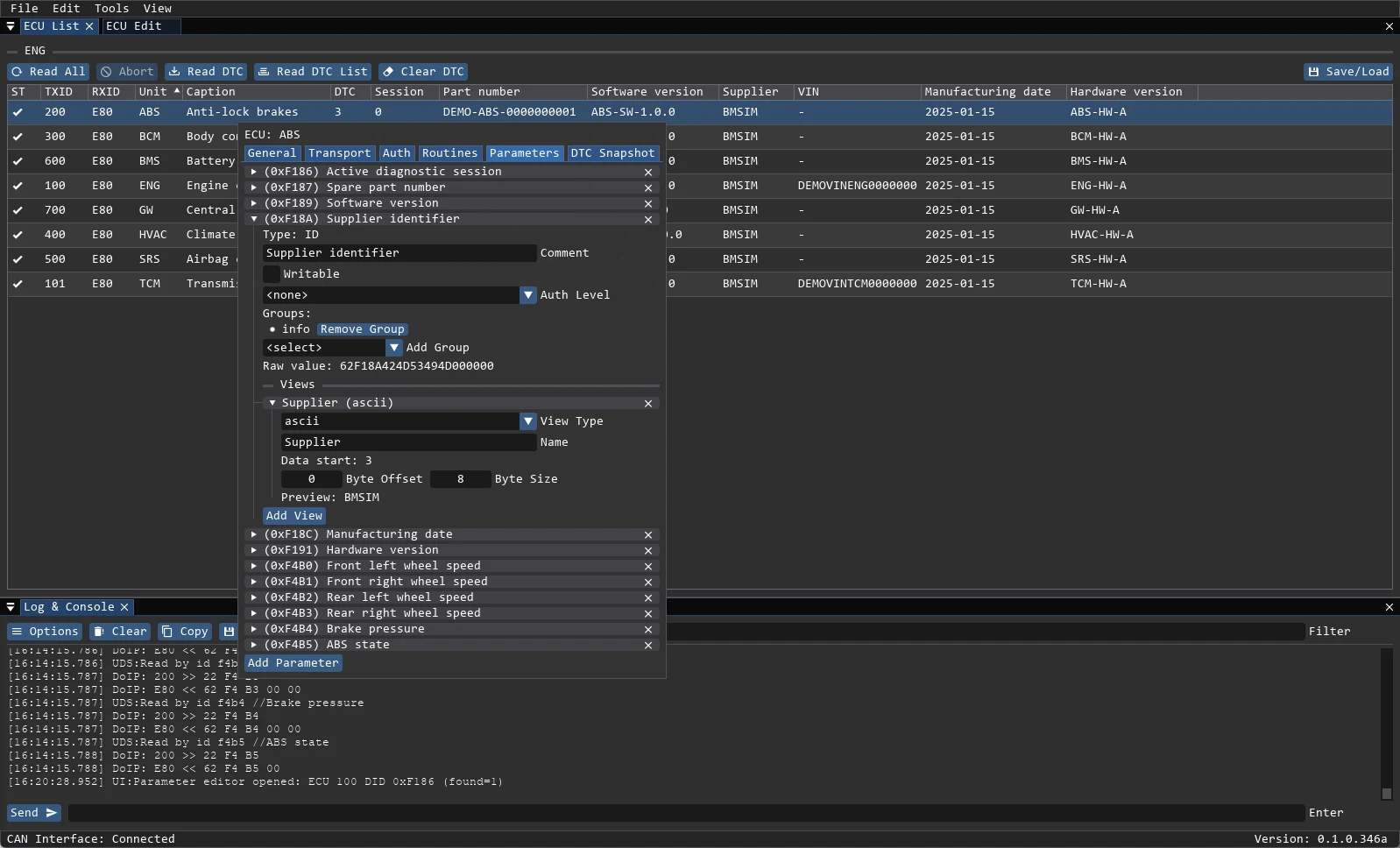
Read more about DID parameters →
Diagnostics and DTC
- Read active and stored trouble codes, clear them and read the supported list.
- Inspect snapshot (freeze-frame) data attached to each code.
- Work with J2012, ISO 14229-1 and J1939-73 formats.
- Load global or project-specific DTC databases from JSON or TXT.
- Colour-coded states: Active, Stored, Not Active.
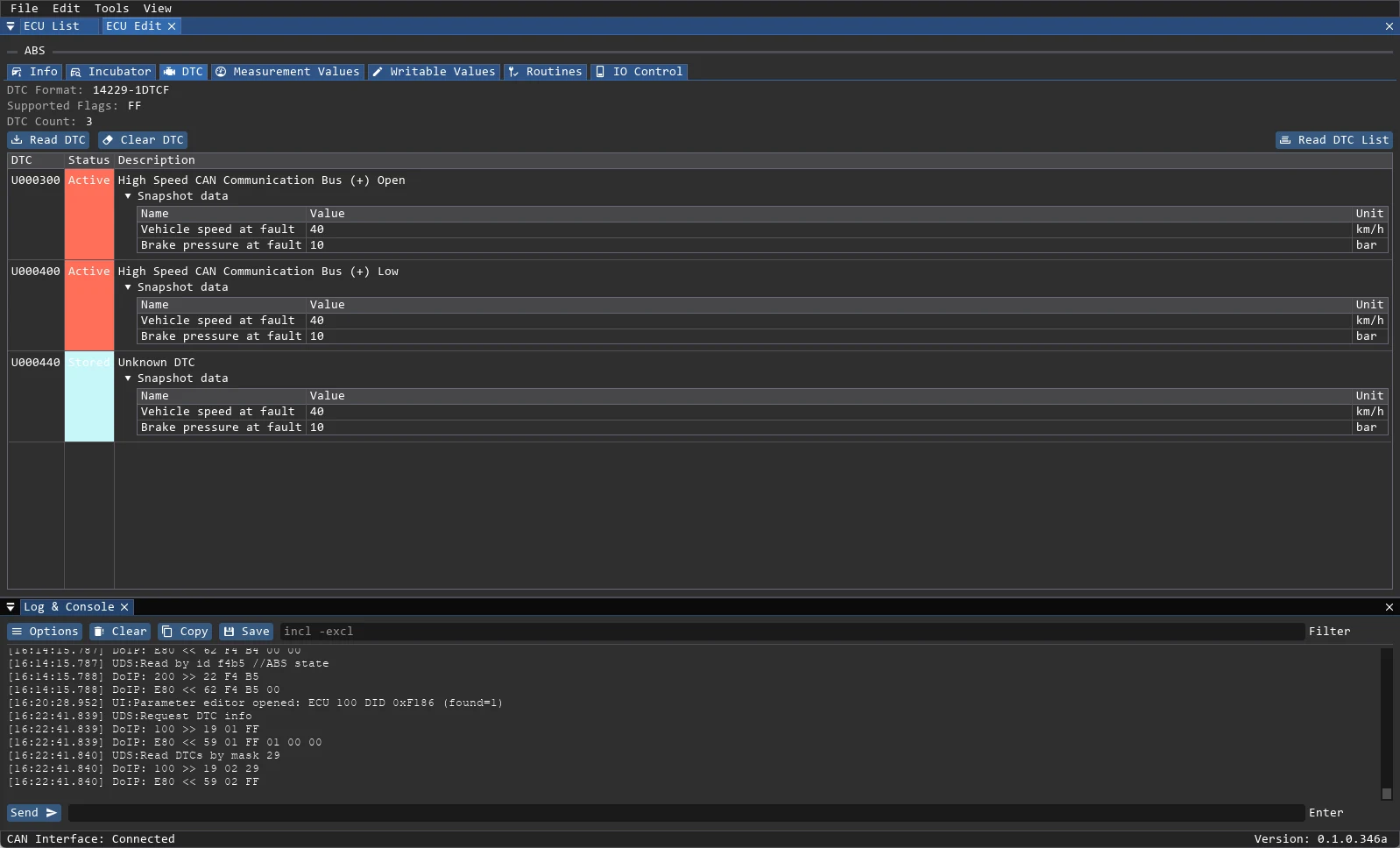
Live measurements
- Poll measurement values from 100 ms to 10 s.
- Plot several signals at once as separate series or normalized combined graphs.
- Keep a configurable history buffer and record to CSV.
- Values are read over the same UDS session as the rest of the work.
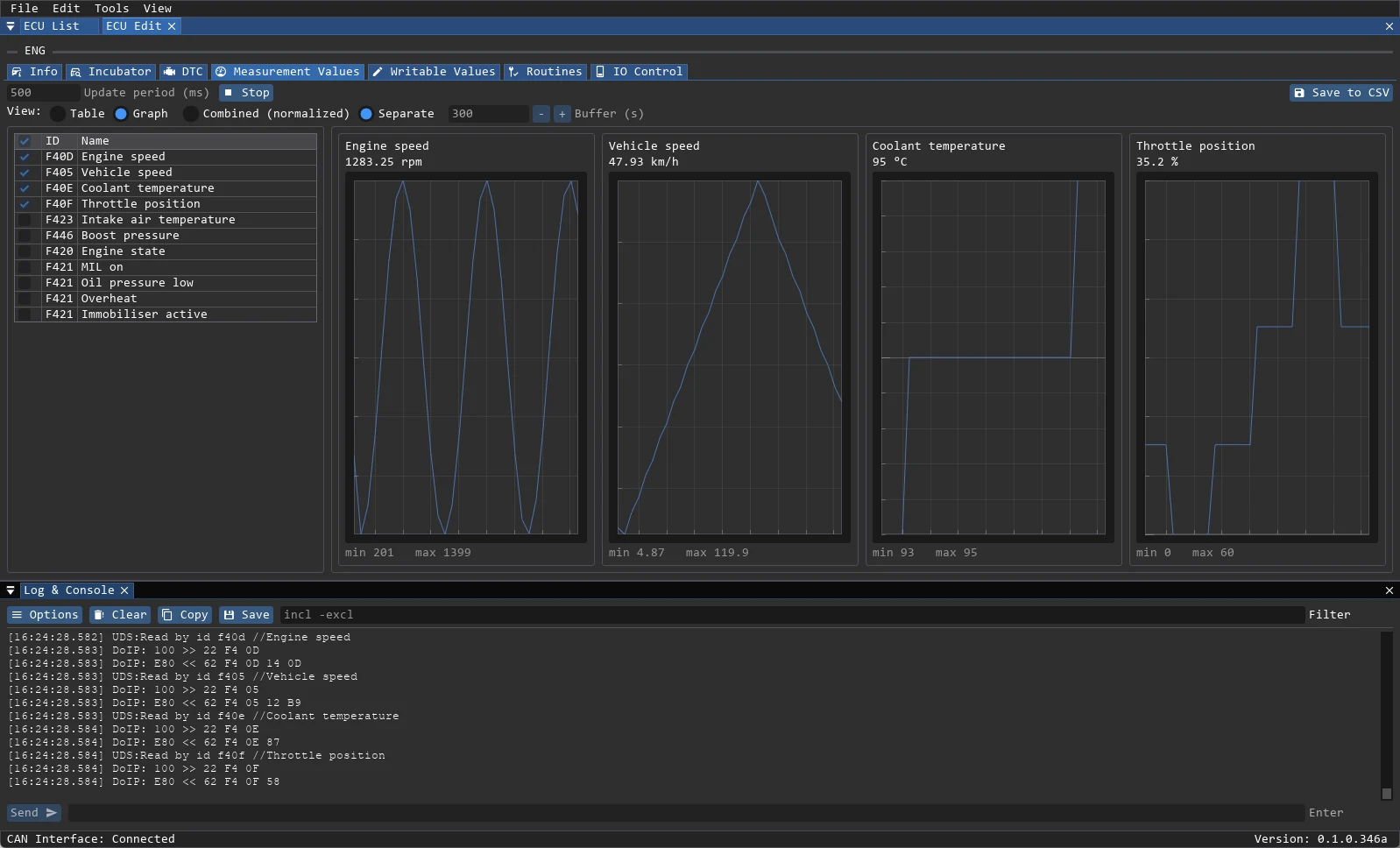
Read more about live measurements →
UDS toolset
- Tester present 0x3E with a configurable period.
- Session control 0x10, ECU reset 0x11, security access 0x27.
- Routine control 0x31 and IO control 0x2F.
- Direct memory read 0x23 and write 0x3D with address, block and size fields.
- Security access through external Seed2Key DLLs defined per project.
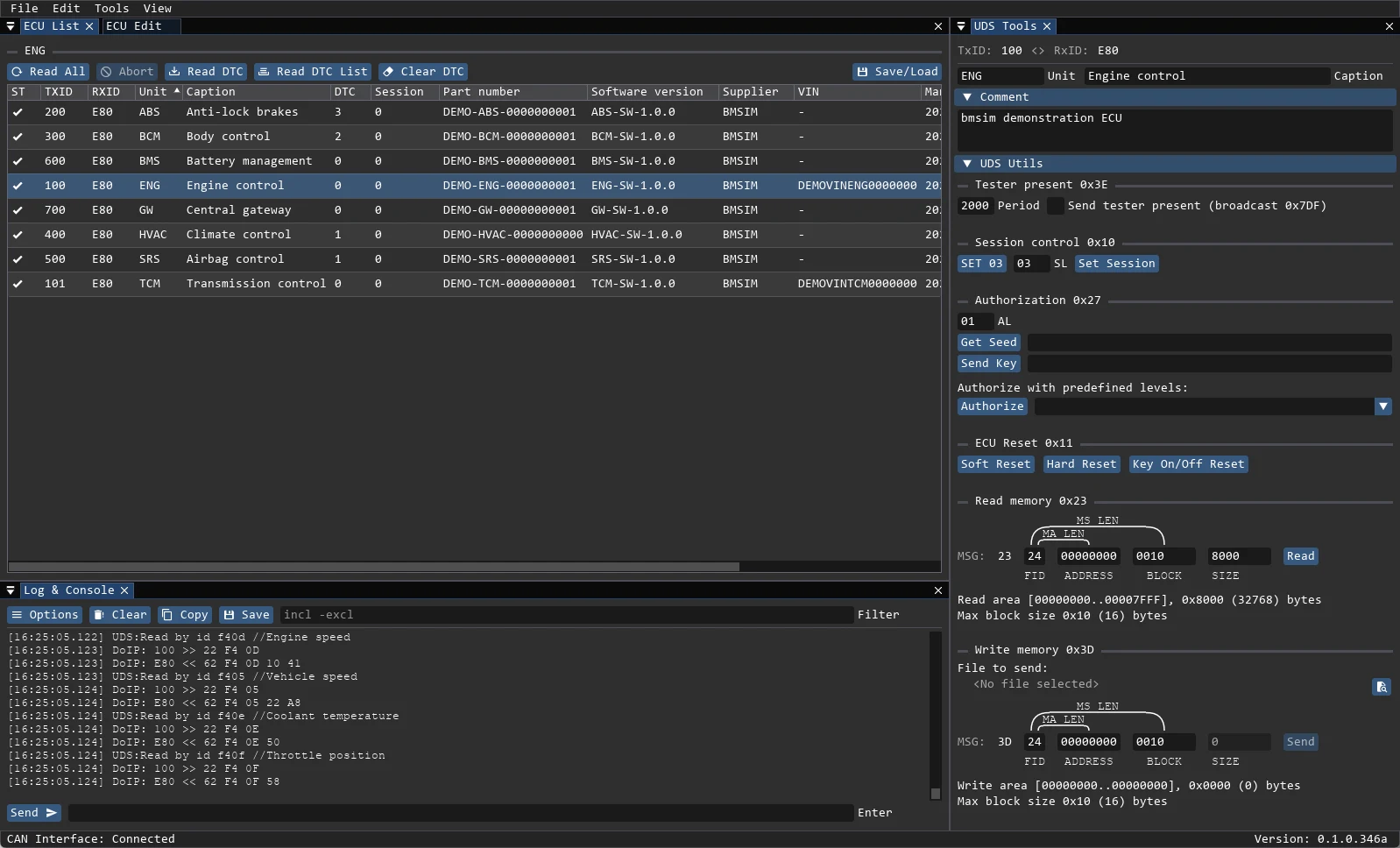
Read more about the UDS toolset →
CAN and DoIP
- CAN through J2534 pass-through adapters, 11-bit and 29-bit identifiers.
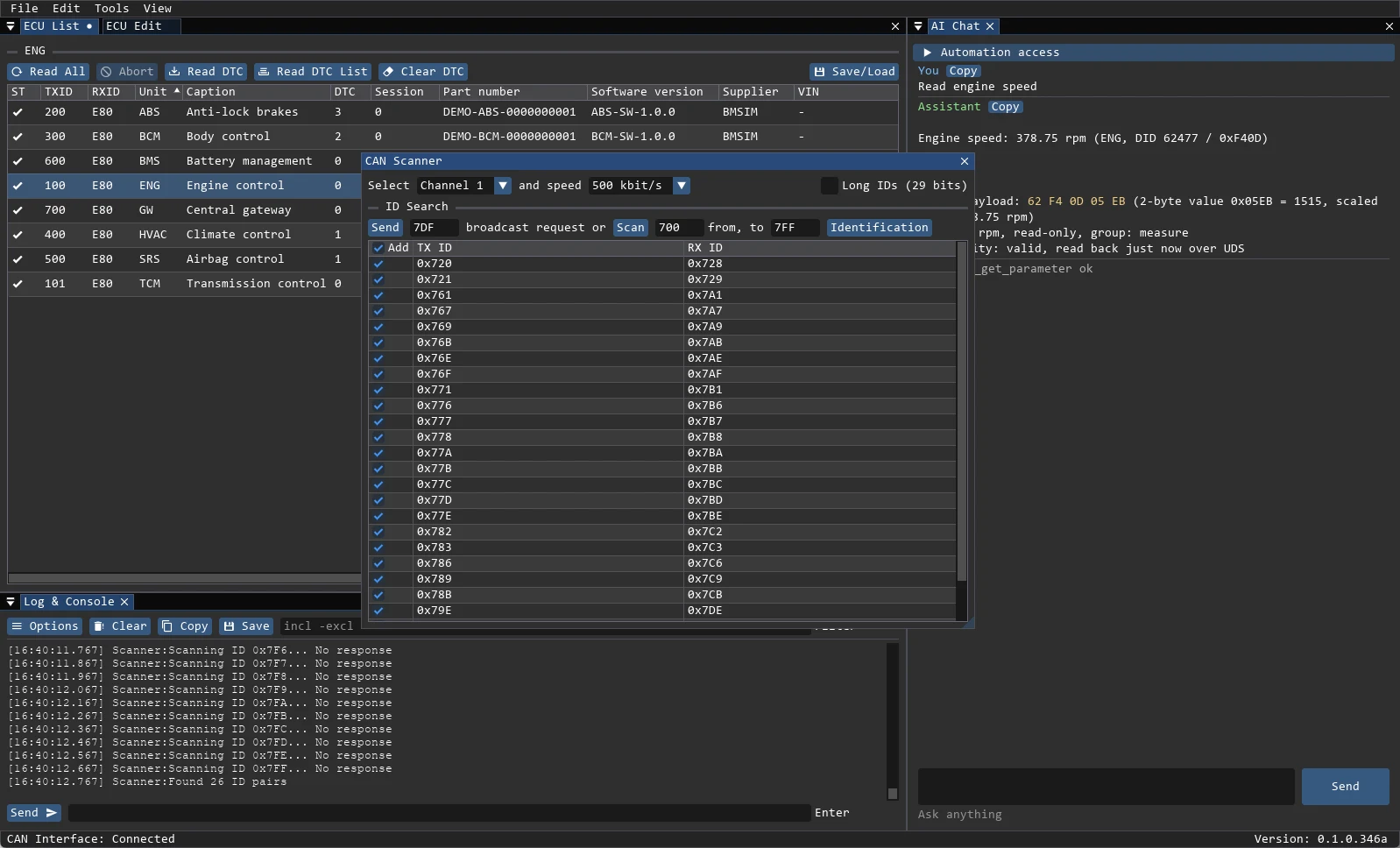
- Bus scanner: broadcast request or sequential ID range, then add found ECUs to the project.
- DoIP (ISO 13400) over Ethernet: local interface, destination address, tester address and discovery.
- Transport type is chosen per ECU inside the project.
Scripting and automation
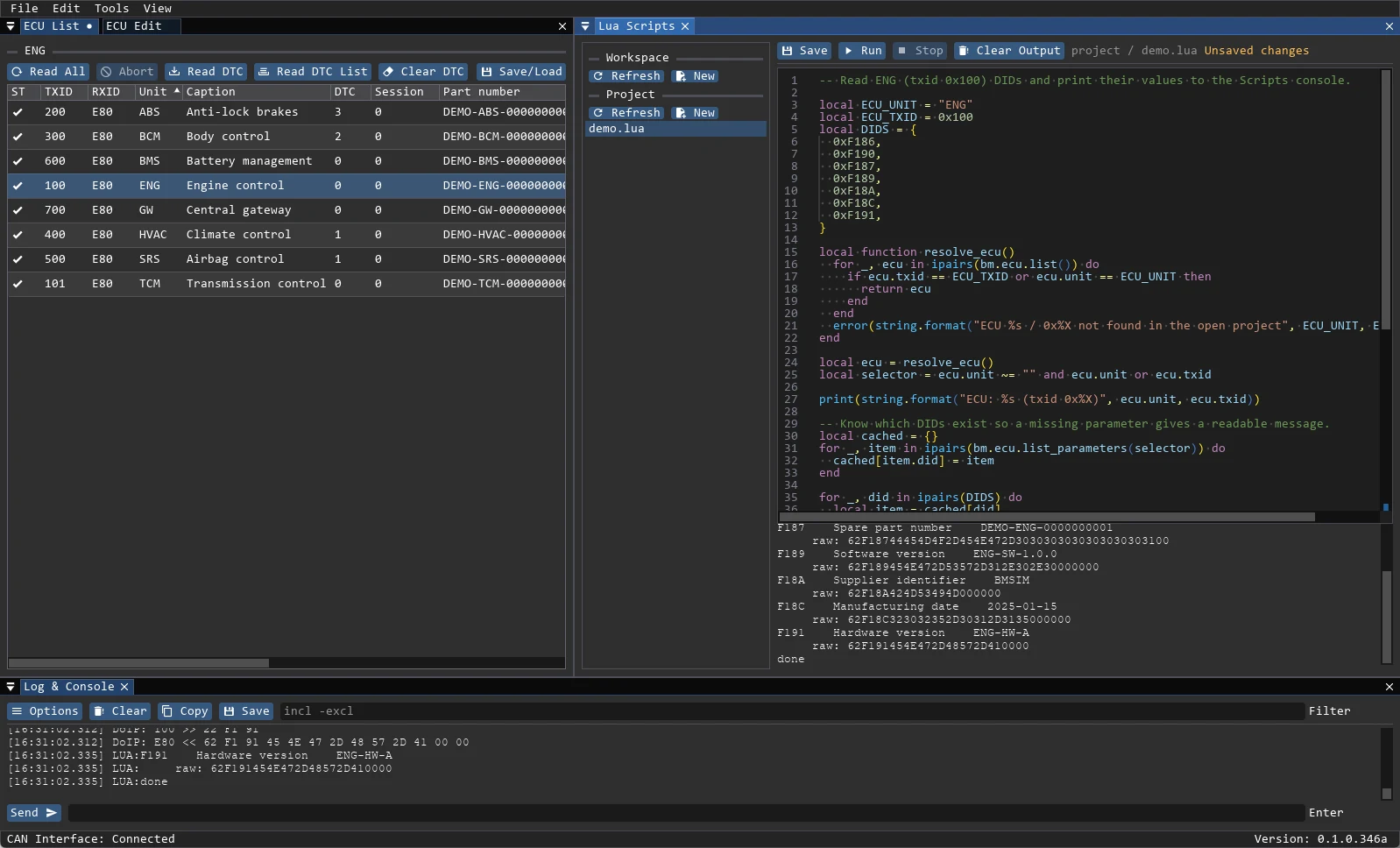
- Lua API for parameters, routines, IO control, raw UDS requests, memory access and firmware helpers.
- Action buttons defined in JSON: send a DID write or run a Lua script.
- MCP server and chat agent with read, write and live-write scopes.
- AI assistant can call the same tools as a script; every call is visible in the log.
Read more about scripting and automation →
Reports and export
- Generate an HTML, Markdown or PDF report for the current project.
- Export the ECU table to CSV, save data dumps and reload them later.
- Session logs are written to the workspace with timestamps.
Read more about reports and export →
Firmware
- Load Intel HEX, Motorola S-record or raw binary images.
- Inspect size, CRC-32 and address blocks.
- Flash through vehicle-specific windows or the Lua firmware API.
Project model
- A workspace is a directory with
data/,logs/andprojects/. - A project (
.bmprj) lists ECUs; each ECU is stored as a separate.bmecufile. - Data dumps (
.bmdump) and DID lists (.bmdid) stay portable between machines.
Read more about the workspace and projects →
Under the hood
For engineers who want to know what happens below the UI:
| Layer | Responsibility |
|---|---|
| Win32 + DirectX 10 + Dear ImGui | Window, rendering, dockable panels |
BmApp | Workspace paths, global state, window registry |
Project | Loads and saves .bmprj and .bmecu files |
Ecu + Task | One task slot per ECU, executed on a worker thread |
View | Interprets DID bytes: uint, int, ascii, hex, enum, combined |
UdsTransport | UdsCan (J2534) or UdsDoip (TCP/TLS) |
- The UI runs on the main thread;
pollEcuTasks()starts pending work each frame and results return through the UI queue. - Closing a project aborts and then waits for ECU tasks. One ECU never runs two tasks at once.
- Measurement keeps a ring buffer per series;
Combinednormalizes each series separately,Separatekeeps real units. A short link error retries, a long error series stops the measurement. - Write DID, routine start, IO control, memory write and raw UDS go through one confirmation point. AI and MCP use the same command bus with
read/write/adminscopes. - Lua runs in a sandbox without arbitrary file, process or OS access.
- Build:
msbuild BlackMagic.slnx /p:Configuration=Release /p:Platform=x86. Tests:ctest --test-dir build_tests -C Debug --output-on-failure. UI tests:BlackMagic.exe --ui-test.