Workspace and projects
Everything the application knows lives in a workspace: a plain directory you choose, back up and move between machines. Projects inside it describe the vehicle.
Workspace layout
workspace/
├── data/
│   ├── auth/           # Seed2Key DLLs and auth helpers
│   ├── dsc/            # DID descriptions (.bmdid)
│   ├── dtc/            # global DTC databases (.json / .txt)
│   └── config.json     # local workspace settings
├── logs/               # session logs (.log)
├── projects/           # one folder per project
├── scripts/            # shared Lua scripts
└── firmware/           # shared firmware images
The application creates the directories it needs. Nothing is hidden in a database or a cloud account.
Project
A project is a folder inside projects/:
projects/MyProject/
├── project.bmprj       # project document
├── ECU_1.bmecu         # one file per ECU
├── ECU_2.bmecu
├── cover.png           # optional cover image
├── notes.md            # optional project notes (up to 64 KiB)
├── scripts/            # project Lua scripts (priority over workspace)
├── firmware/           # project firmware images
└── chat_history.json   # project AI chat history
The .bmprj document lists the ECUs and their settings; each ECU is saved separately, so the same ECU definition can be reused in another project. Save As copies the ECU files into the new folder, so the new project does not depend on the old one.
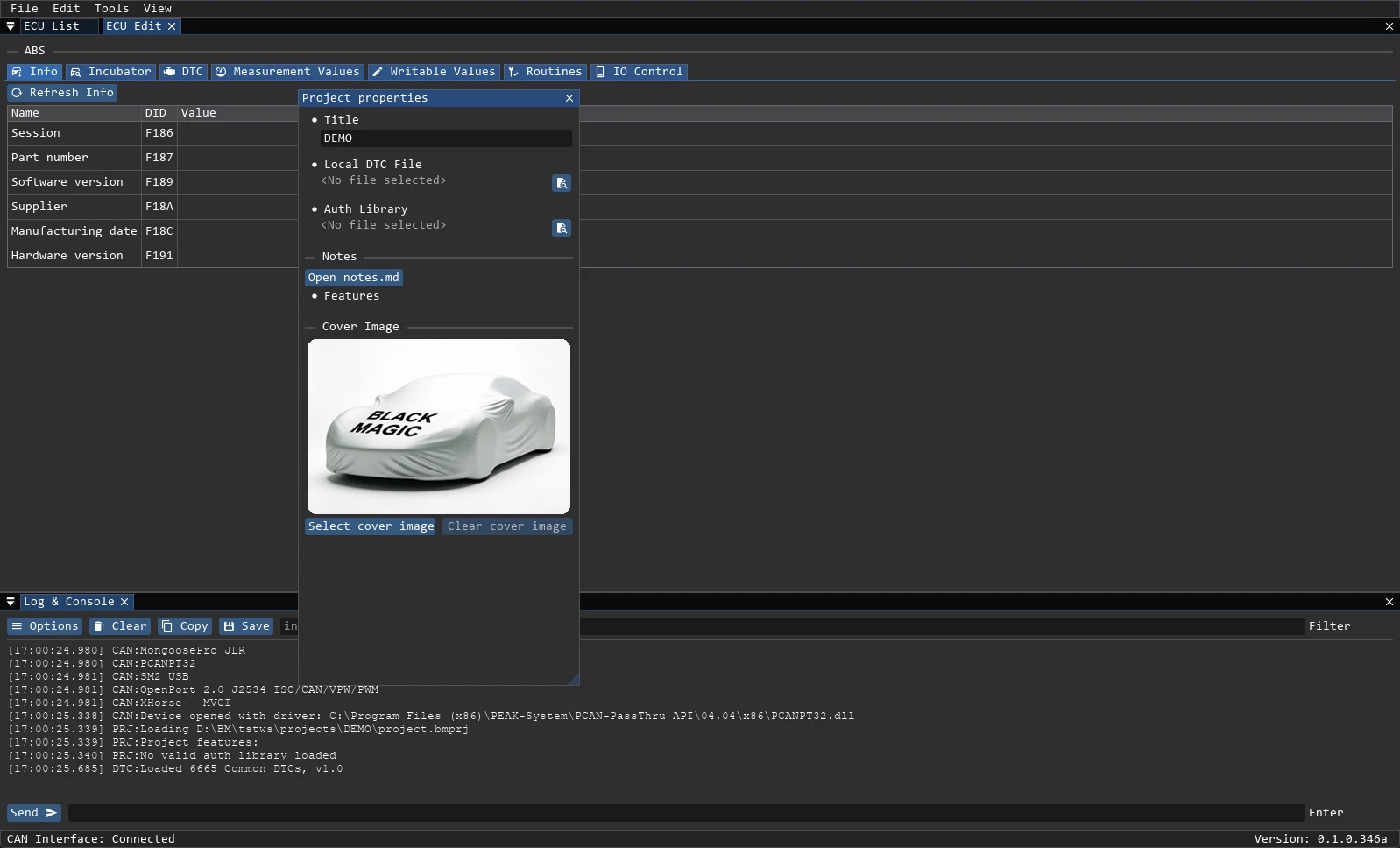
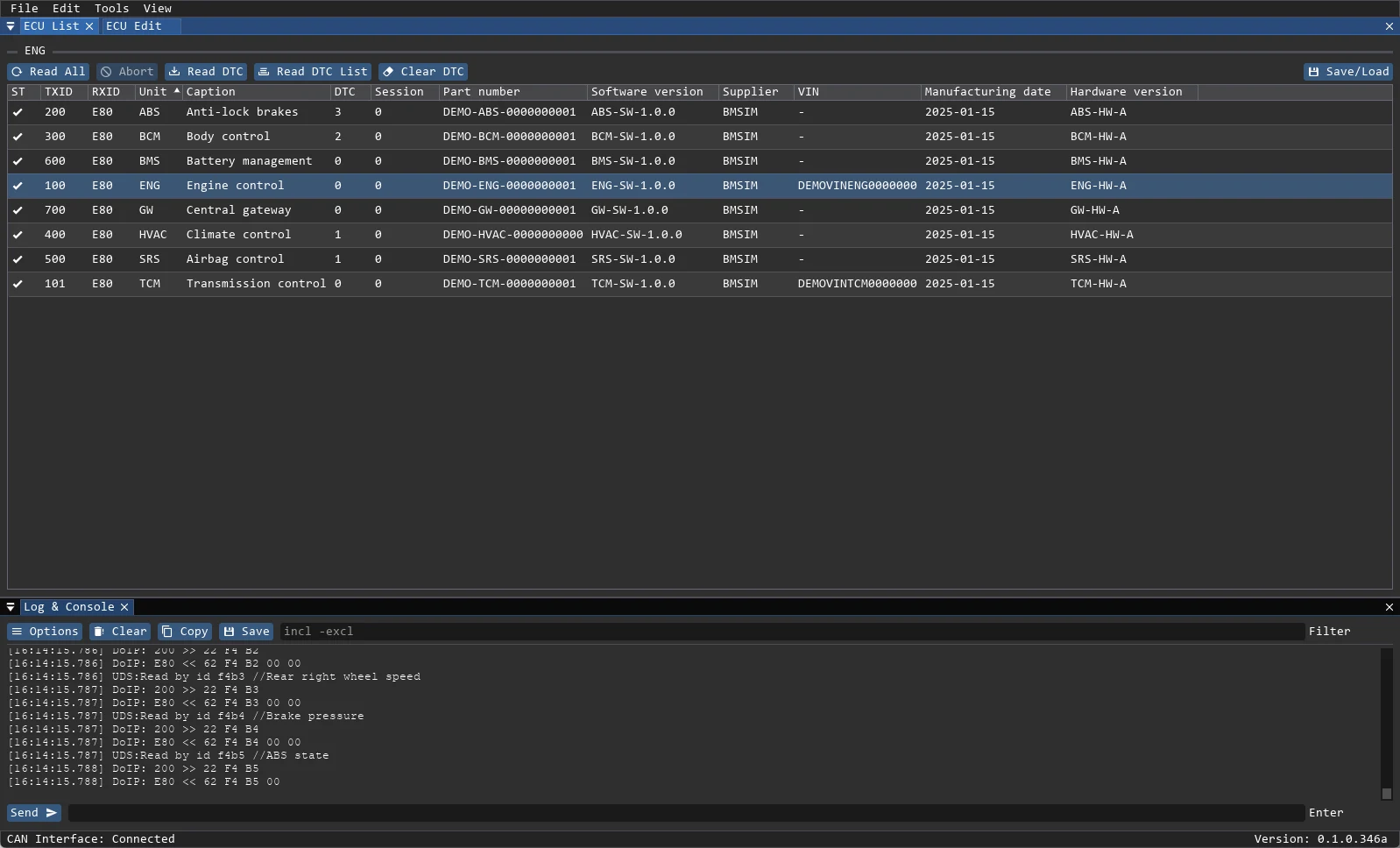
Main window
- File — new/open/save project, create report, load action buttons.
- Edit — undo and redo (
Ctrl+Z/Ctrl+Y). History depth is a setting (default 20, range 0–100) and is not kept between launches. Undo is blocked while an ECU task is running. - Tools — ECU List, ECU Edit, UDS Tools, CAN Scanner, DoIP Setup, Lua Scripts.
- View — Project Properties, Log & Console, AI Chat, Settings (
Alt+,), About, Btn View (debug builds). - Status bar — connection state and version.
- Notifications — Success/Error messages in the bottom-right corner.
Panels dock, float and close; the layout is stored in %APPDATA%\BlackMagic\imgui.ini.
Data files
| File | Purpose |
|---|---|
.bmprj | Project: ECU list and project settings (JSON, format version 4) |
.bmecu | One ECU: transport, parameters, routines, auth levels, DTC templates (JSON) |
.bmdid | DID descriptions loaded in the Incubator (JSON) |
.bmdump | Saved ECU values, reloadable from the ECU List (JSON) |
.log | Session log written into logs/ |
A .bmprj stores title, local DTC file (dtcinfo), auth library (authlib), DoIP IP/netmask/DHCP, cover image, project features and extension parameters. A dtcinfo without a leading dot is looked up in <workspace>/data/dtc; a path with a leading dot is relative to the project folder.
Unsaved changes
Closing a project or the application with unsaved changes asks Yes (save), No (discard) or Cancel (keep working). A dot next to an ECU status icon also marks unsaved changes.
Table behaviour
In ECU List a single click selects an ECU, a double click opens it in ECU Edit and reads its parameters, and a right click opens the ECU context menu. Right-clicking the Unit column header opens Fill from. Columns can be sorted, reordered, hidden and resized.